Galileo is a modern, open-source imaging application built on INDI and ASCOM Alpaca.
One guided workflow for your cameras, mounts, focusers, plate solving and image library — from a Windows desktop to a Raspberry Pi.
Speaks the protocols and tools astrophotographers already use
INDIASCOM AlpacaPHD2ASTAPFITSAAVSOSeestar
Why Galileo
The imaging app the non-Windows world has been missing.
01
Close the UI/UX gap
Existing cross-platform options like KStars/EKOS carry interfaces that have aged over a decade of incremental growth. Galileo brings a modern, guided imaging workflow to Windows, macOS, Linux and Raspberry Pi — using INDI and ASCOM Alpaca so it isn't tied to any one platform's driver ecosystem.
02
One cohesive application
An image manager, a variable-star planner, observatory-automation scripts and an all-sky cloud classifier — built over time as separate tools. Galileo consolidates them into a single application instead of a pile of disconnected utilities. That consolidation is a primary goal, not an afterthought.
Features
Everything from connecting the gear to cataloguing the frames.
Each card is labelled with where it really stands today. Galileo is pre-alpha, and we'd rather you know exactly what runs now.
Available
INDI + Alpaca, mixed freely
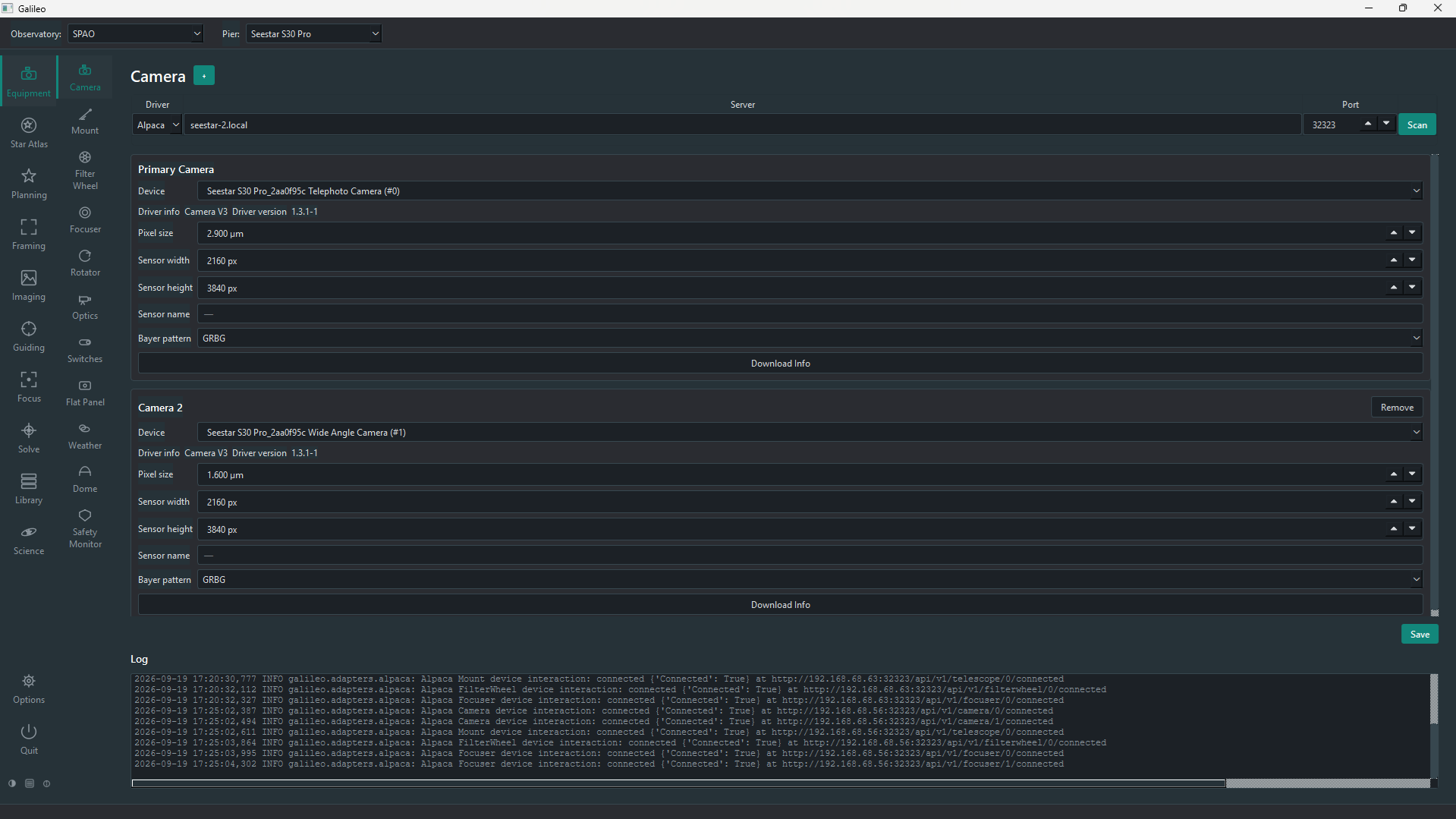
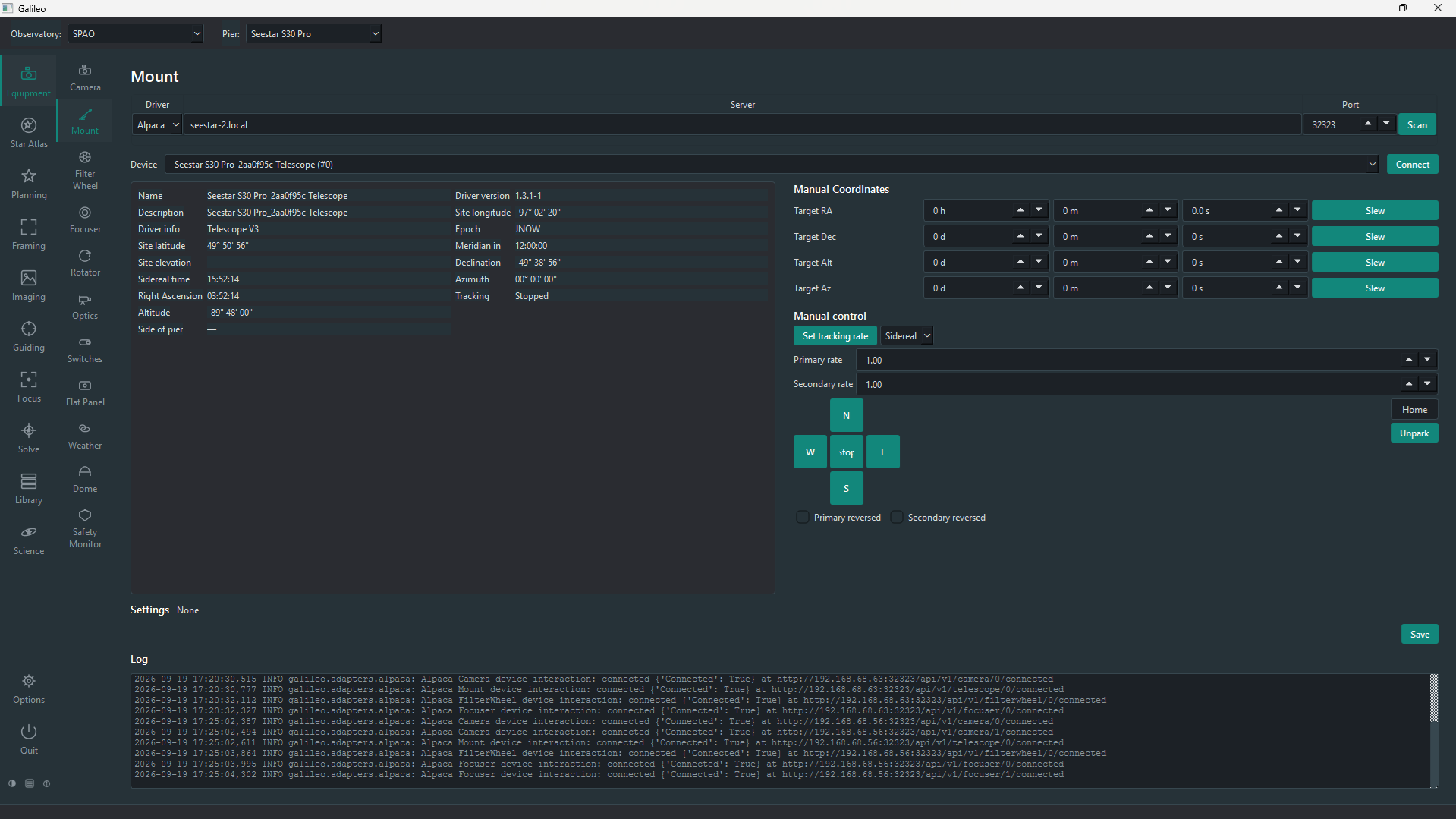
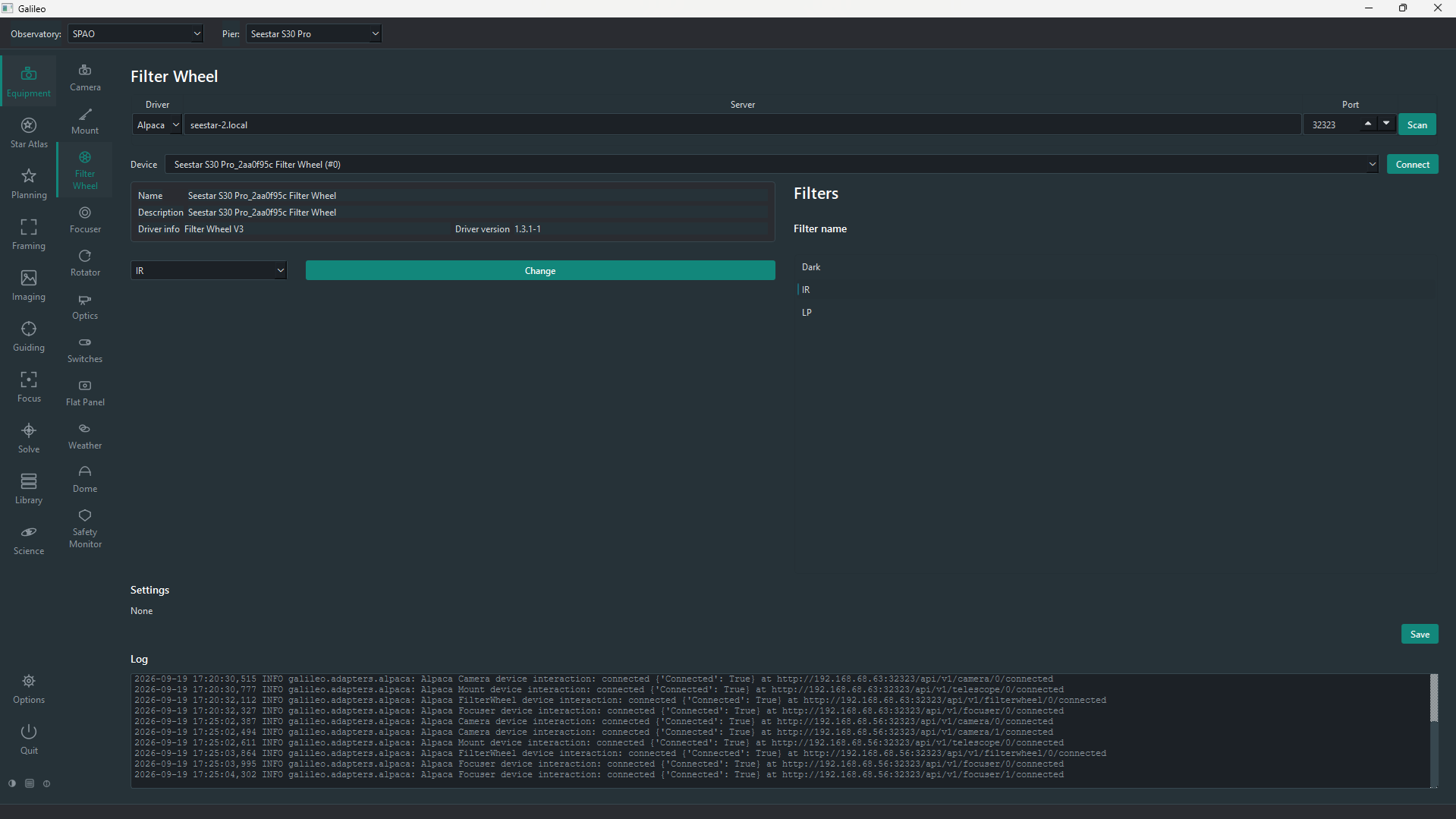
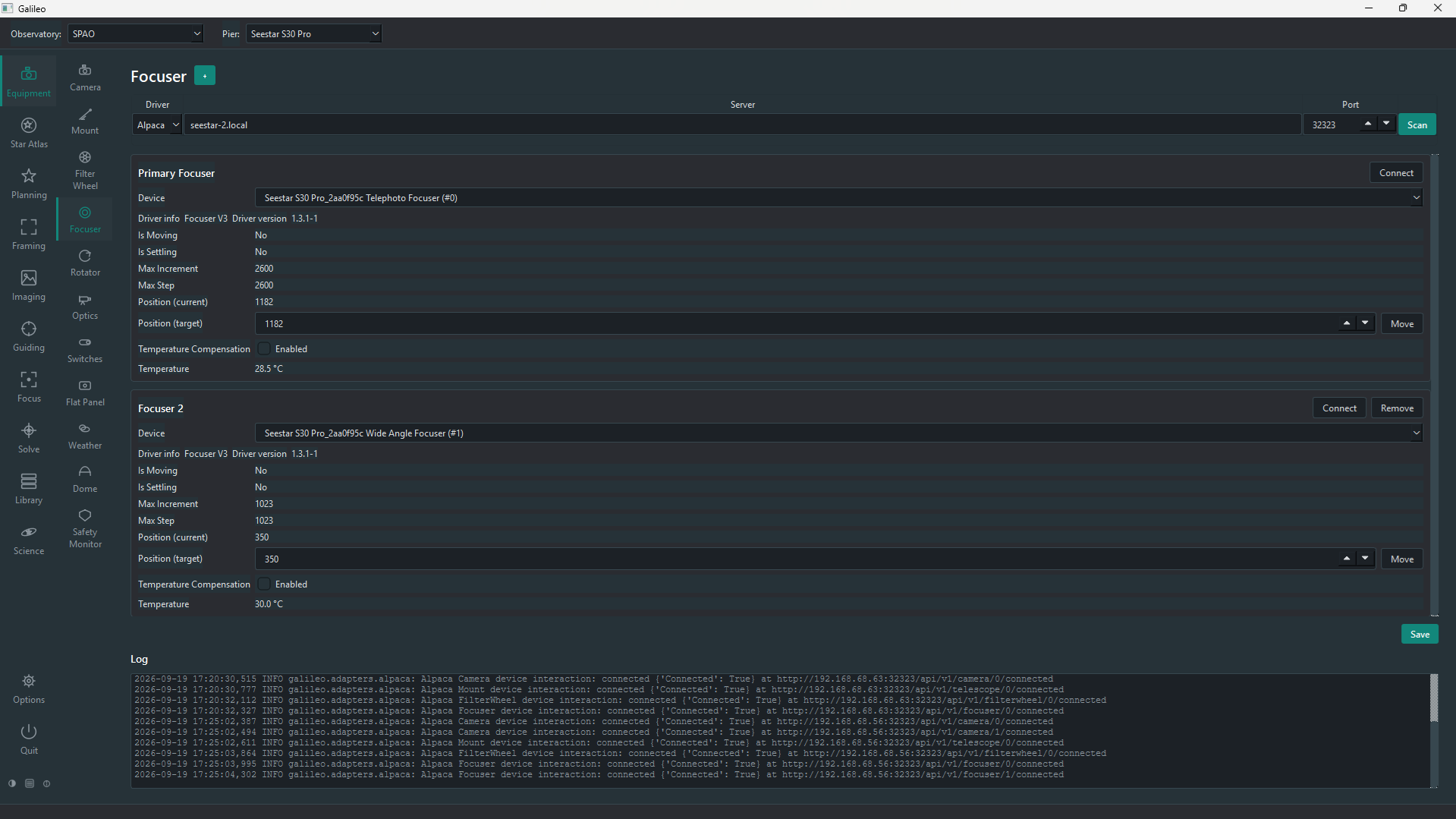
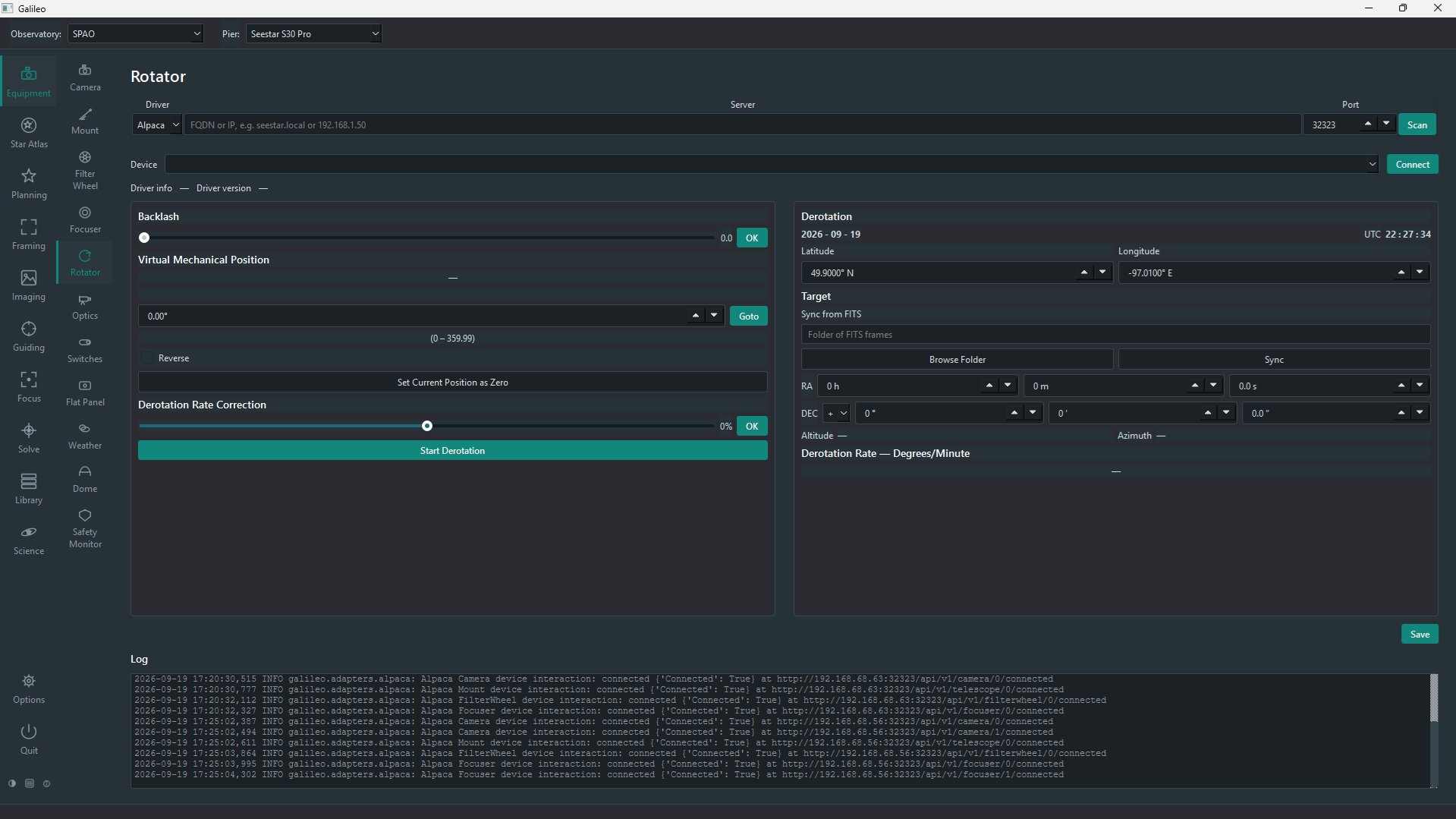
Camera, mount, filter wheel, focuser, rotator, switches, flat panel, weather, dome and safety monitor. Real device scans, Alpaca Management API discovery and .local mDNS names such as a Seestar's seestar.local.
Available
Multi-pier observatories
Group several mounts into an Observatory. Each Pier holds one mount with one or more optical trains and cameras, selectable from the top bar and saved across restarts.
Available
Live imaging
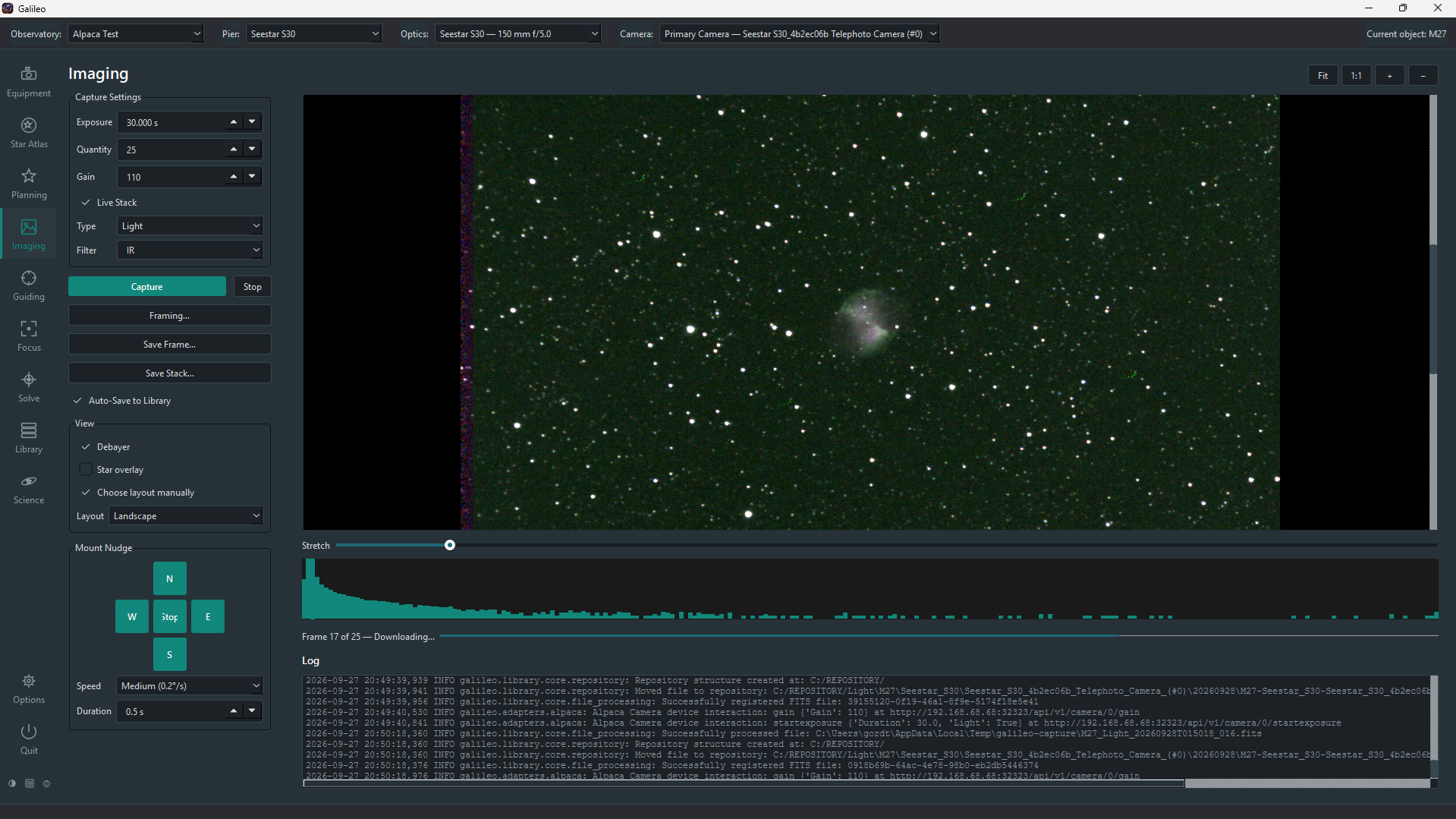
A pan-and-zoom auto-stretch preview with histogram and per-frame statistics — mean, median, min, max, star count and HFR. Live Stack registers and combines a run into one growing image as it is taken. A mount nudge pad (N/S/E/W) and portrait/landscape auto-layout are built in. The Flats Assistant includes a working Sky Flats capture mode that hunts the right exposure in twilight automatically.
Available
PHD2 guiding
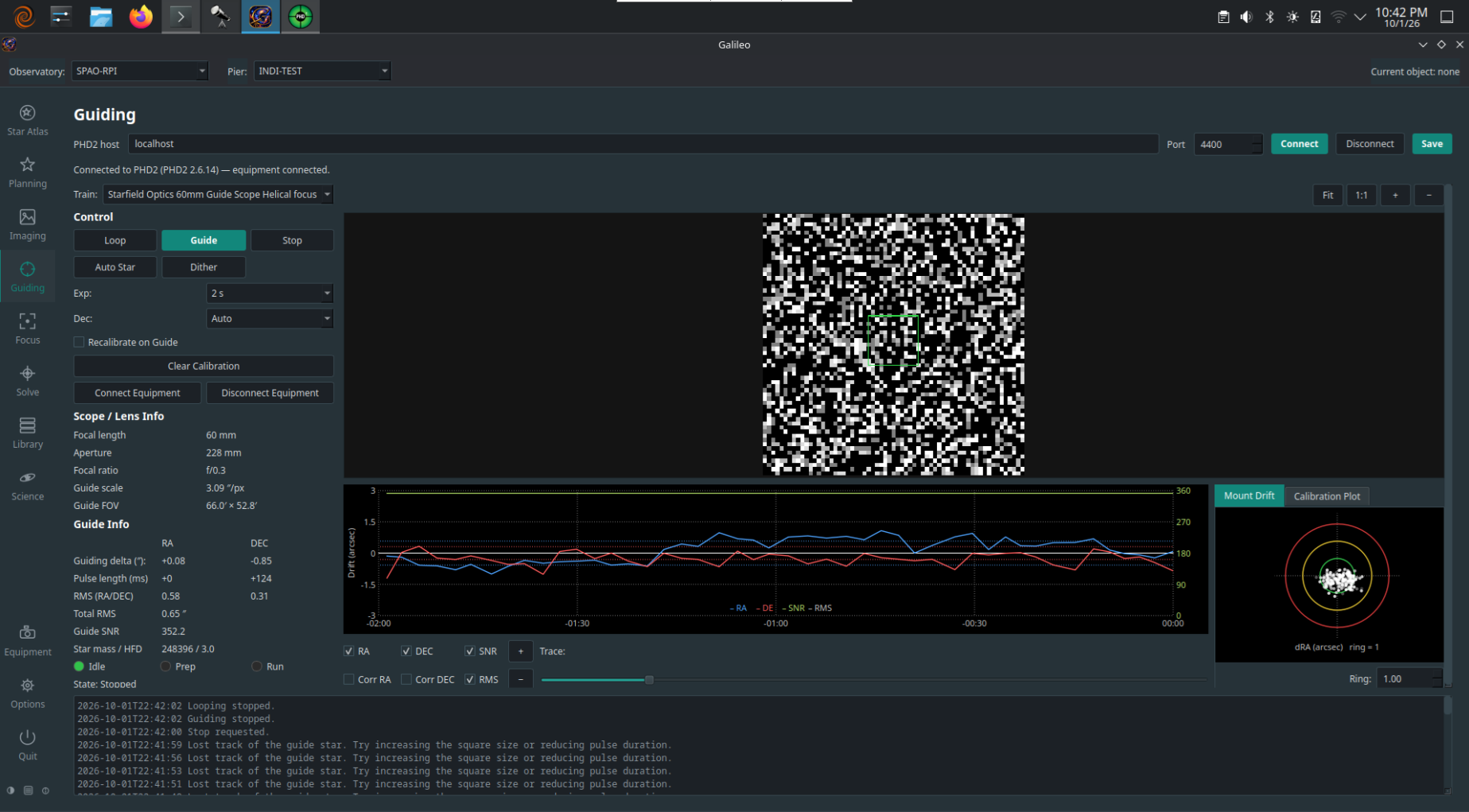
Connect to PHD2 by host and port and watch it live: guide-star image, guide graph, drift and calibration plots, statistics and the event log — with Loop, Guide, Stop and Dither controls.
Available
Autofocus you can watch
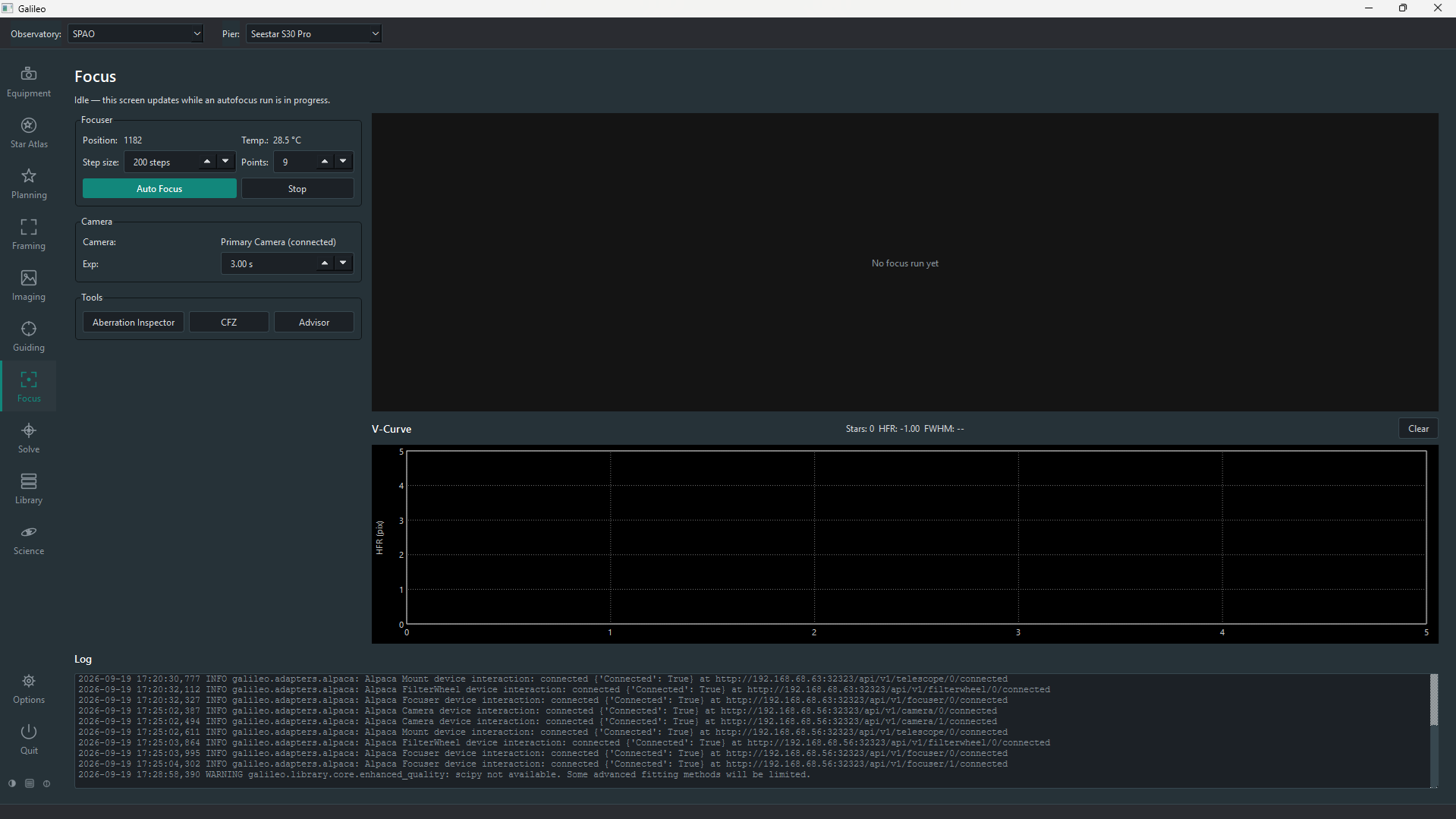
Follow a run live: the frame being measured, star count, HFR and FWHM, and the HFR V-curve with its fit and best position. Star detection uses SEP, and heavy fitting runs off the UI thread.
Available
Plate solving
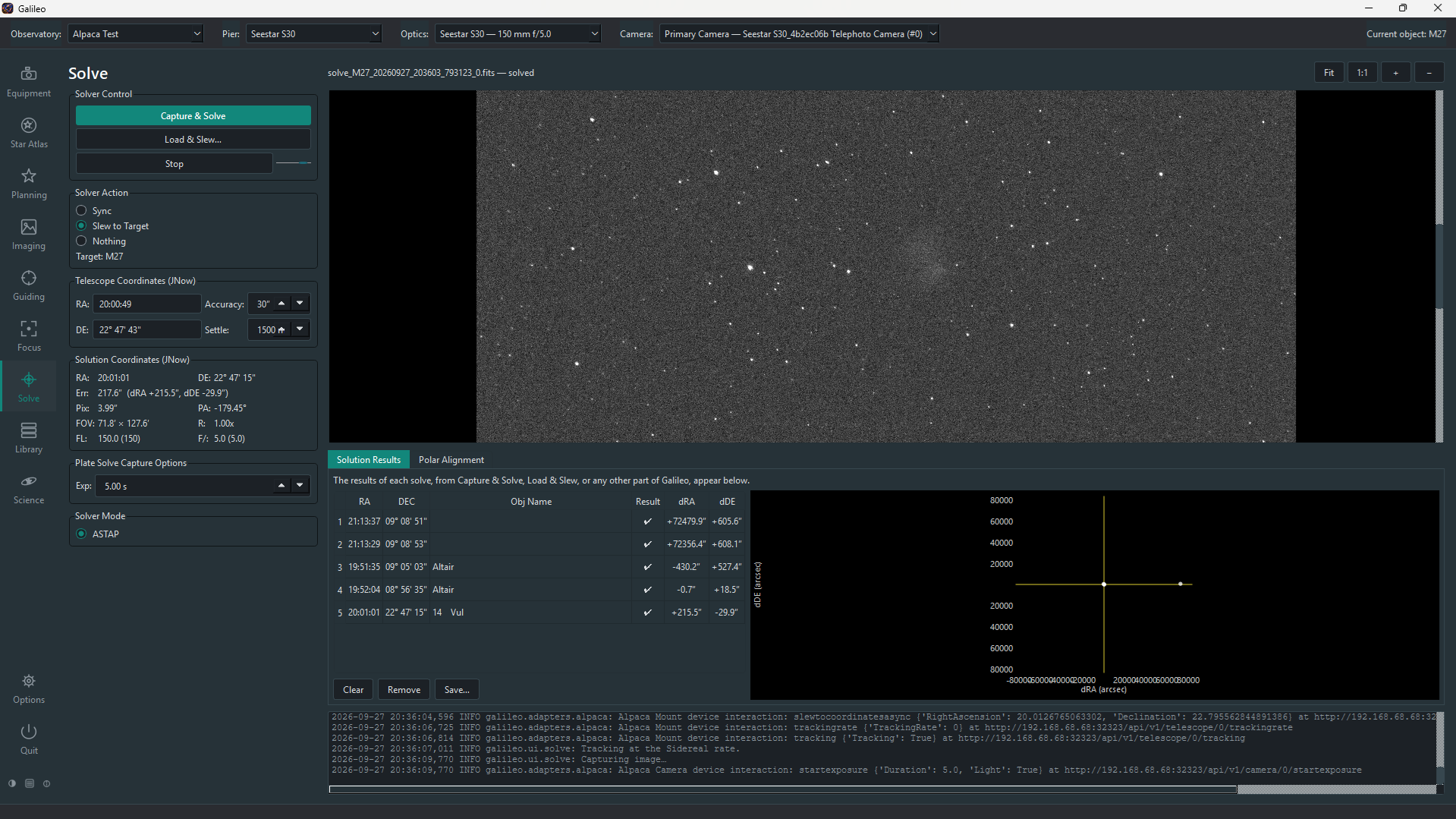
Capture & Solve with ASTAP, using the mount position as a hint — then sync, slew back until within your accuracy, or just report the error. Load & Slew solves any FITS file.
Available
Star Atlas
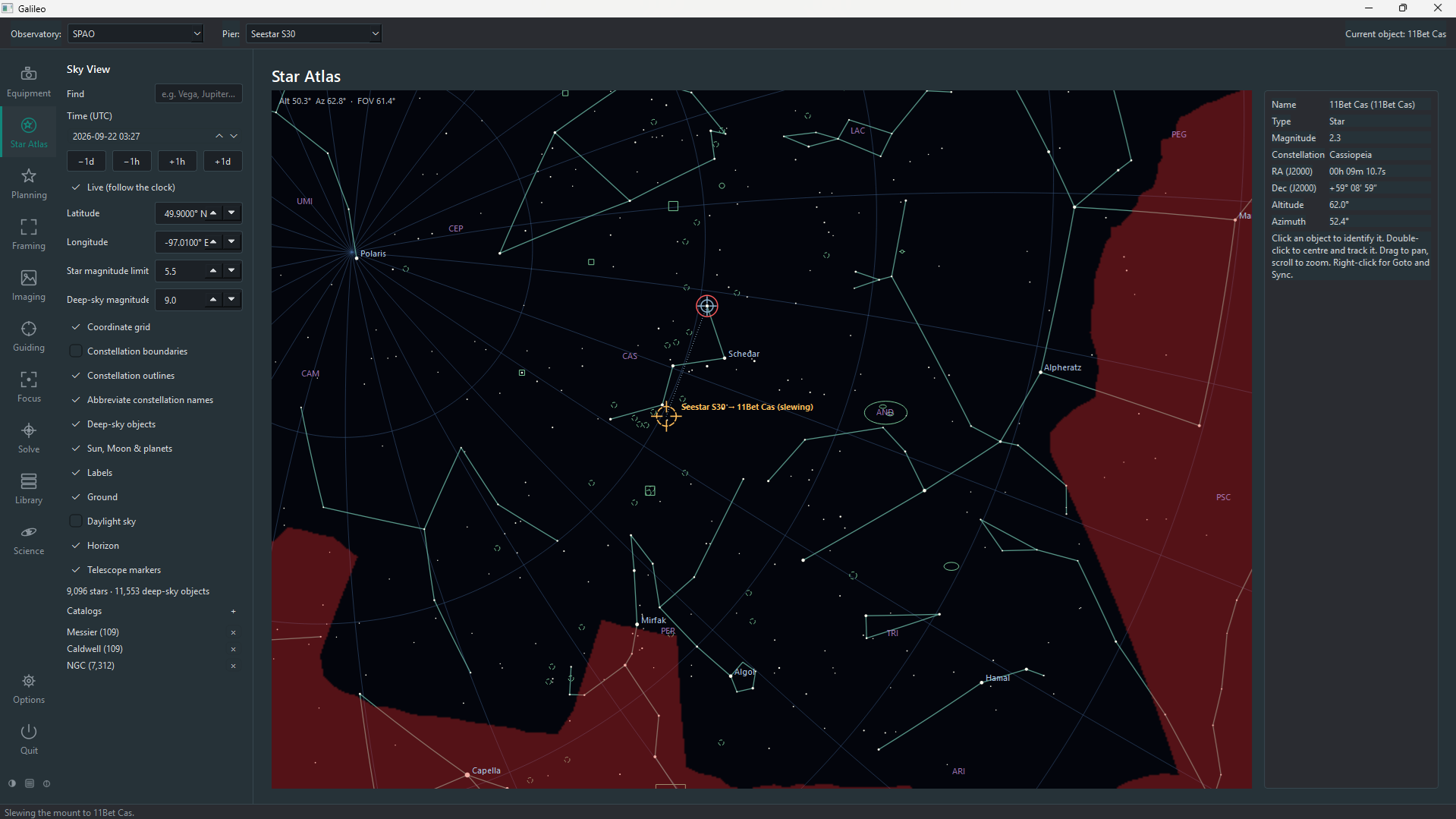
A planetarium for your site and time: stars, Messier, Caldwell and NGC objects, Sun, Moon and planets, constellation lines, and click-to-identify. Upload a horizon obstruction table and Galileo can refuse slews into it.
Available
Planning & framing
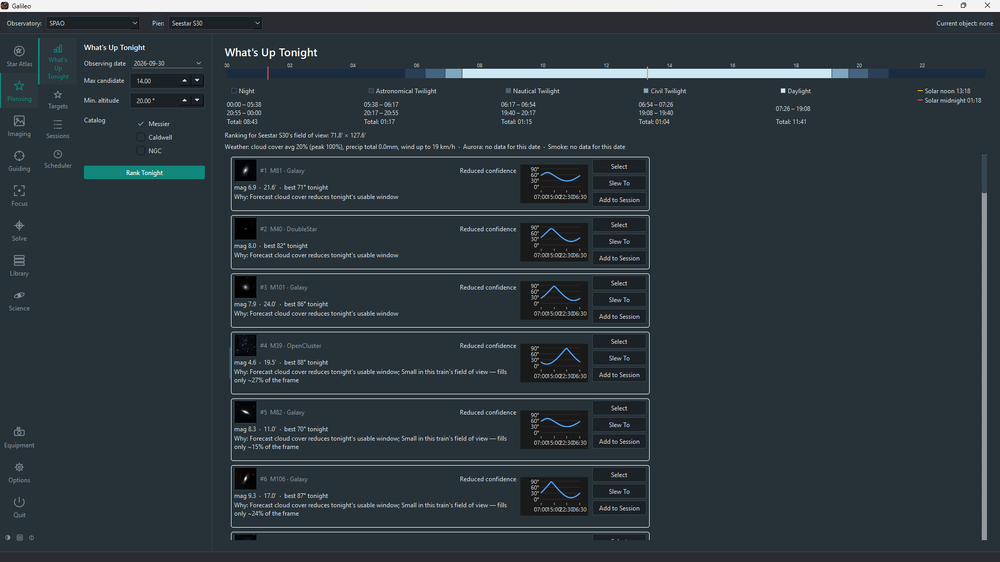
What's Up Tonight ranks catalog objects by Observability Score (altitude, Moon, weather) and Fit Score (aperture, FOV) for your active Pier. Targets is a full search-criteria panel. Framing Assistant shows a DSS survey image with your FOV rectangle, mosaic-aware, with rotator control when connected. Block-based Sessions authoring and a multi-day Schedule calendar are their own screens.
Available
Image library
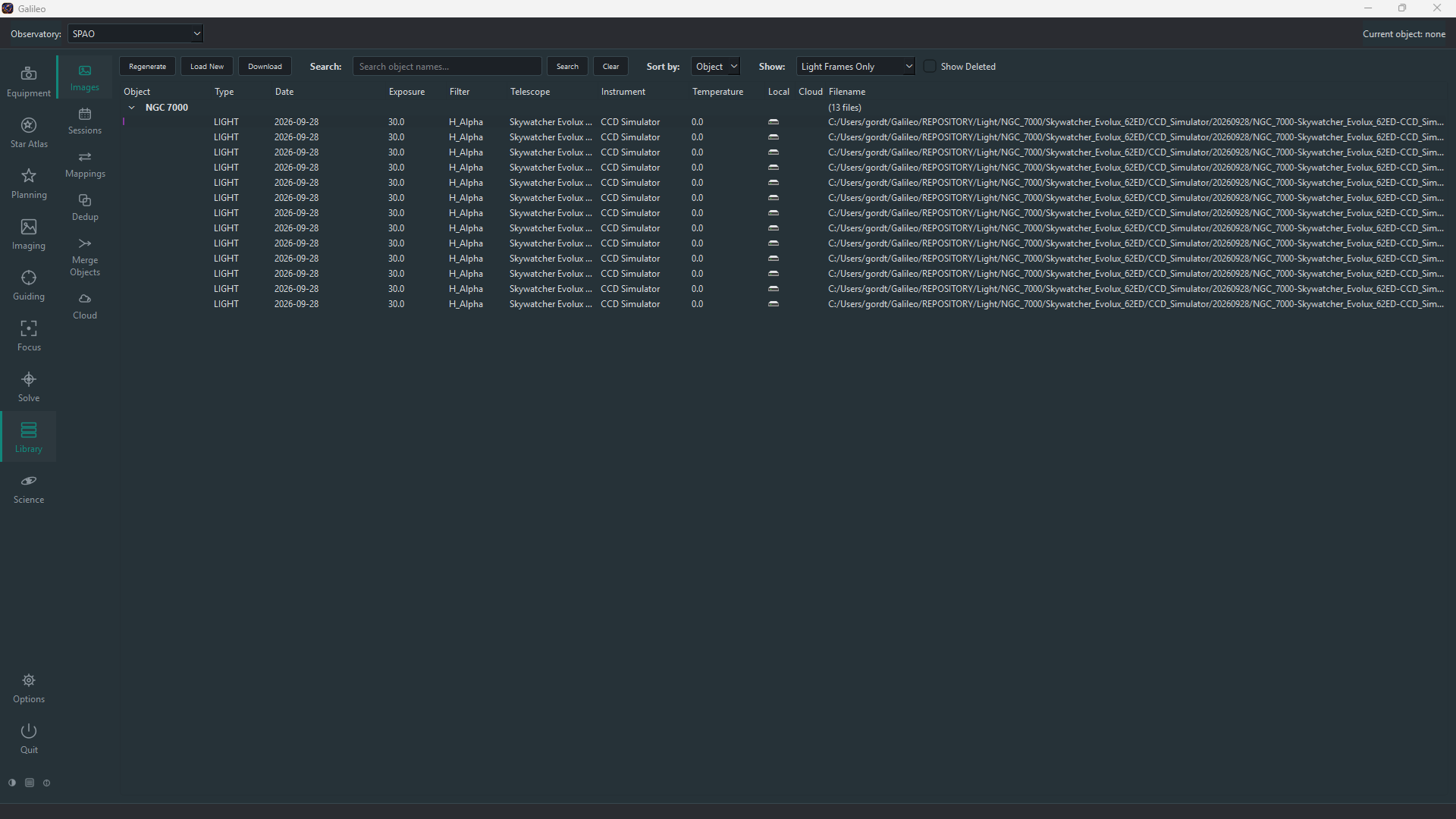
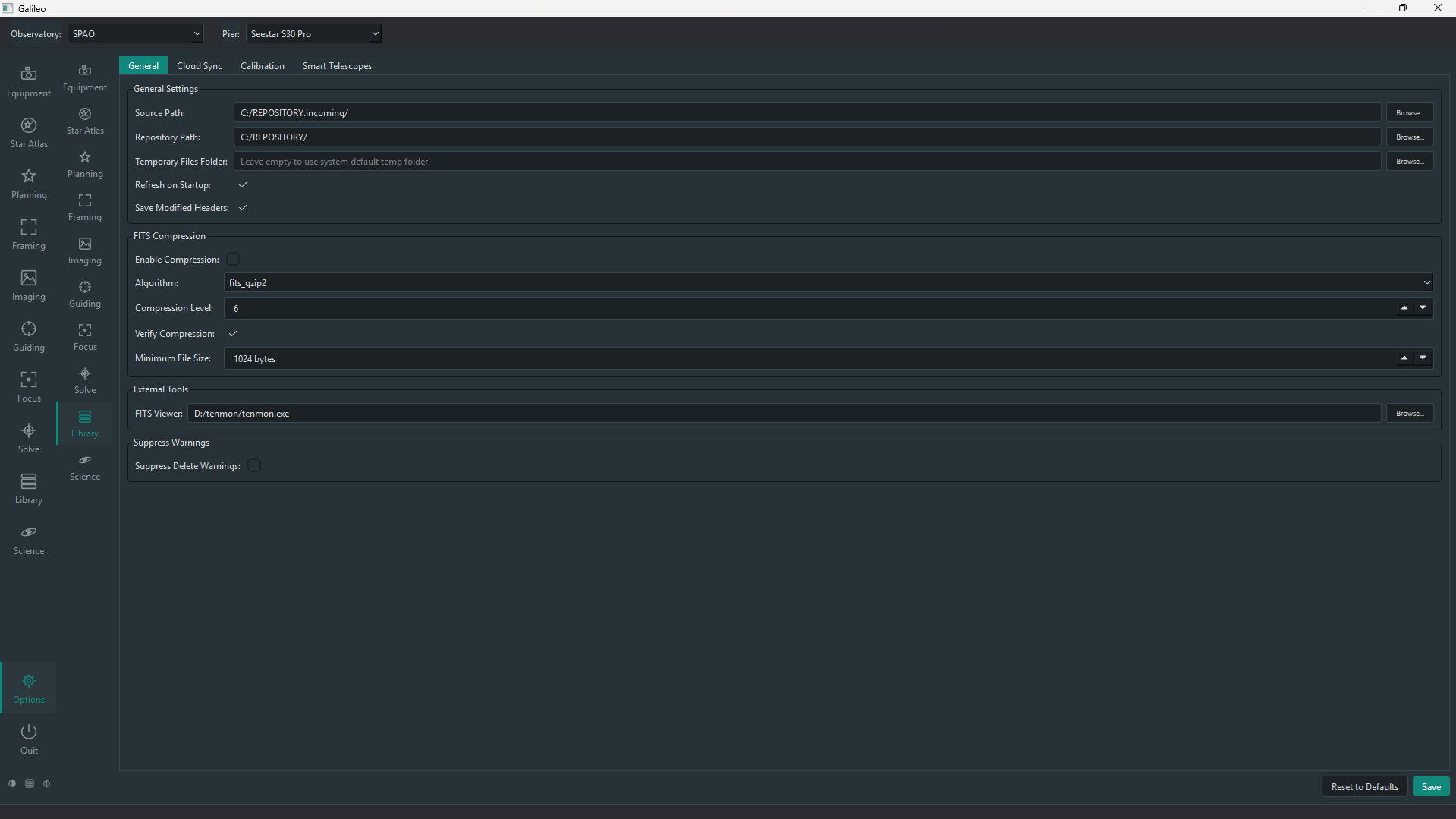
AstroFiler, built in: browse by object, group sessions, map FITS header values, find duplicates, merge objects and back up to Google Cloud Storage. Twelve command-line utilities cover scheduled and headless use.
Sessions & schedule screens available
Sequencer & scheduler
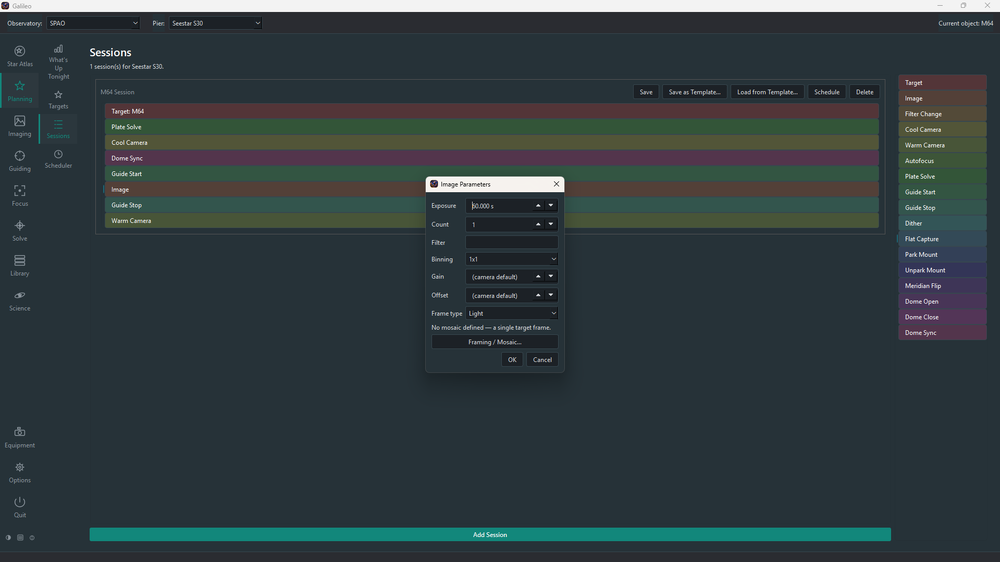
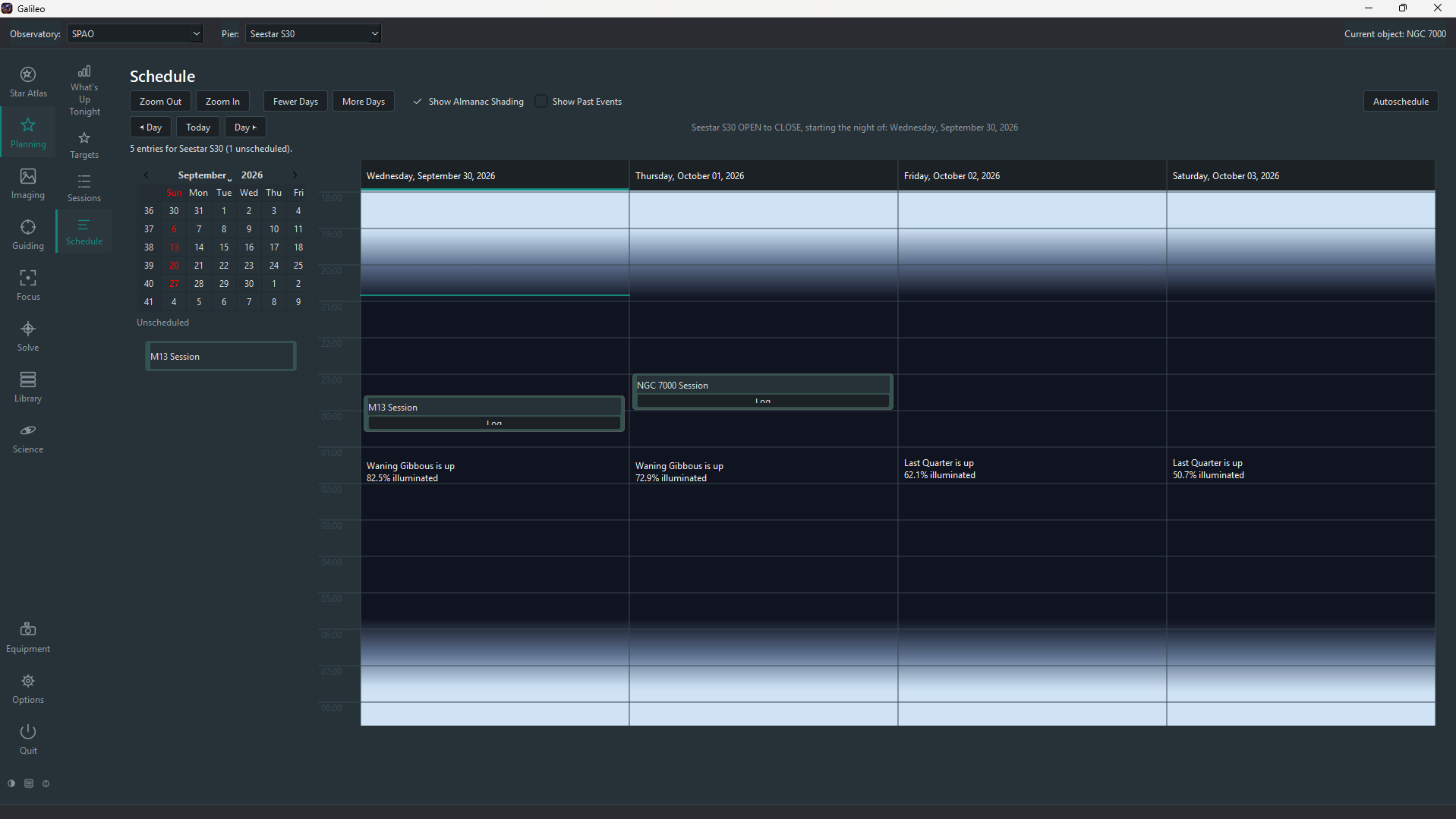
Drag Target, Image, Filter Change, Autofocus, Plate Solve, Dither and more onto a Sessions card; right-click any block for its parameters; Save, template, Schedule or Run. A multi-day calendar plots the job queue over your Observatory almanac with Moon phase and twilight shading. The runtime execution engine — actually driving hardware through a session — is the next layer to build.
Engine built · UI pending
Variable-star science
AAVSO target planning and photometric analysis — VSTarget merged in as pre-loaded first-party plugins, with targets submitted straight into the scheduler.
Planned
Safety & plugins
Layered safety monitoring — hardware sensors and software classifiers both arrive as ordinary Safety Monitor devices — plus a watchdog, automated meridian flips and a third-party plugin manager.
Star Atlas
See the sky your observatory actually has.
Pick a time, or follow the clock, and Galileo draws the sky from your Observatory's location. Your real horizon — trees, buildings, the roll-off roof — is shaded on the map, so you can see what's truly imageable.
9,000+ stars and 11,500+ deep-sky objects
Messier, Caldwell and NGC catalogs, added from the panel
Sun, Moon and planets, constellation outlines and boundaries
Click to identify, double-click to centre and track
Optionally refuse slews into your horizon obstruction
Capture & Solve takes an exposure, solves it with ASTAP, and either syncs the mount, slews back until you're inside your accuracy target, or just tells you how far off you are. Every solve is listed with its error plotted, whichever part of Galileo started it.
Build a session by dragging blocks onto a card — Target, Image, Filter Change, Autofocus, Dither, Flat Capture and more. Right-click any block to set its parameters. Save as a template or schedule it immediately. The Schedule calendar lays every job over your Observatory almanac so you can see what fits.
Drag-and-drop block palette with per-block parameter dialogs
Image block has its own Framing / Mosaic entry point
Select a target in the Star Atlas — a Session is pre-populated
Multi-day calendar with Moon phase and twilight shading per column
Drag unscheduled jobs onto the grid to give them a start time
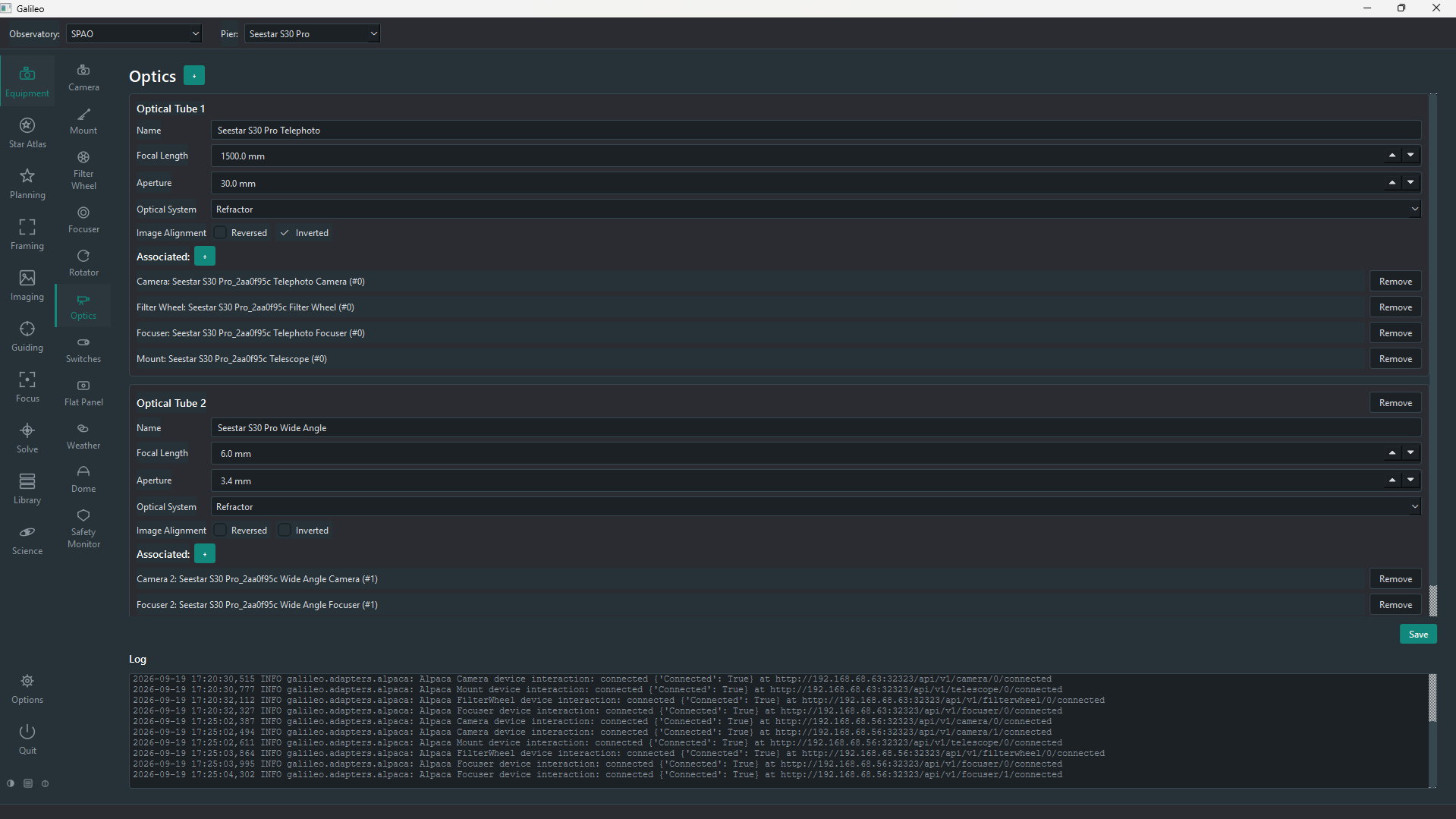
A sidebar for each stage of the night, a context panel for its controls, and the Observatory, Pier, optics and camera always one click away. Click any screenshot to enlarge.
Galileo models the way an observatory is actually laid out, going beyond what EKOS supports: several independent mounts under one roof, each with its own sequencer, sharing what should be shared.
OBSERVATORY
The site
Name, latitude and longitude, timezone, address and owner. Shared resources — a roll-off roof or dome, safety monitors — can be scoped to the whole Observatory or to a single Pier.
PIER
One mount, its own workflow
Every Pier owns a mount and runs its own independent sequencer and scheduler. A fault on one Pier's device is isolated and doesn't take the others down.
OPTICAL TRAIN
Telescopes and cameras
A Pier carries one or more optical trains — tube, camera, filter wheel, focuser, rotator — with INDI and Alpaca devices freely mixed within the same setup.
Architecture
Hexagonal by design, so hardware stays at the edge.
Galileo's domain logic is plain Python that knows nothing about INDI, Alpaca, Qt or the filesystem. It talks to abstract device ports, and adapters plug into them.
Event-bus decoupling
Modules never call each other directly. A safety monitor's "unsafe" event reaches the sequencer over the bus, and the library and history modules subscribe to frame-written events — which is what isolates faults between devices.
A UI that never blocks
The Qt thread owns the event loop. Network I/O runs on asyncio, INDI on a per-server reader thread through a native protocol client, and CPU-bound star detection and curve fitting in a process pool.
One plugin boundary
Plugins register against the very same ports Galileo uses internally — there's no separate plugin API. The variable-star modules ship as first-party plugins, the reference for that boundary.
Galileo's design is validated against the author's own observatory: a roll-off-roof shed with an INDI weather station and rain monitor, and three independent Piers — two smart scopes via ASCOM Alpaca and a 62 mm refractor on an OnStep mount via INDI.
Pier 1 & 2Seestar S30 and Seestar S30 Pro, via Alpaca
 Galileo